

Backup and restore
This section covers the backup and restore options for your SurrealDB Cloud Instance and the process of selecting a backup strategy. It also covers your responsibilities for backing up data stored in your SurrealDB Cloud instance and the available options for data export and recovery.
Backup
SurrealDB Cloud provides a robust backup and restore solution for your SurrealDB Cloud instance. You can backup your data to a local file or to an external storage location. You can also restore your data from a backup file.
Important
Restoring from a backup
In the resources section of the Instance dashboard, you can access the list of all your available backups. To restore from a backup, click the Create from selected button on the backup you want to restore from.
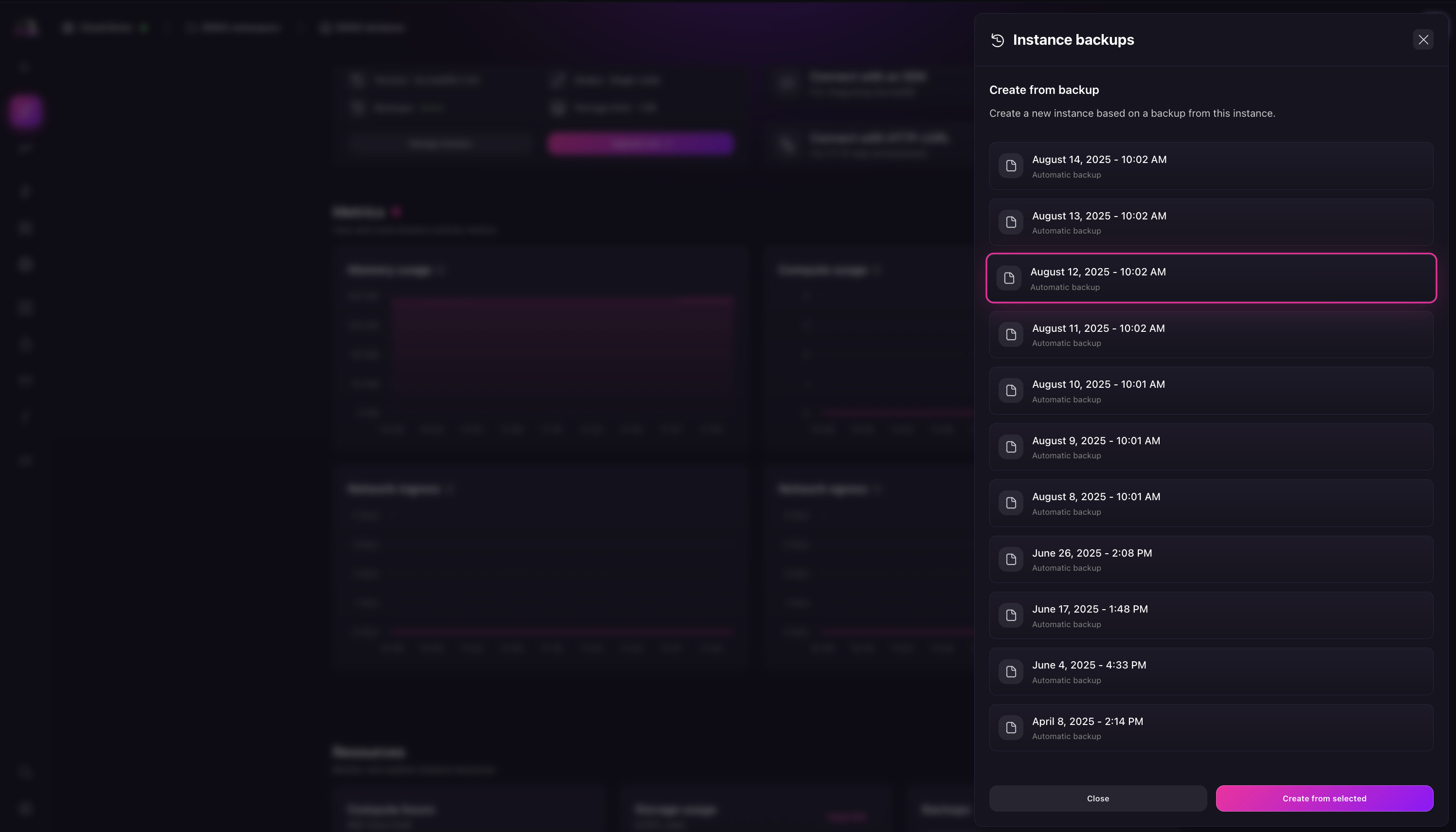
This will will take you to the create a new Instance page with the backup option already selected.
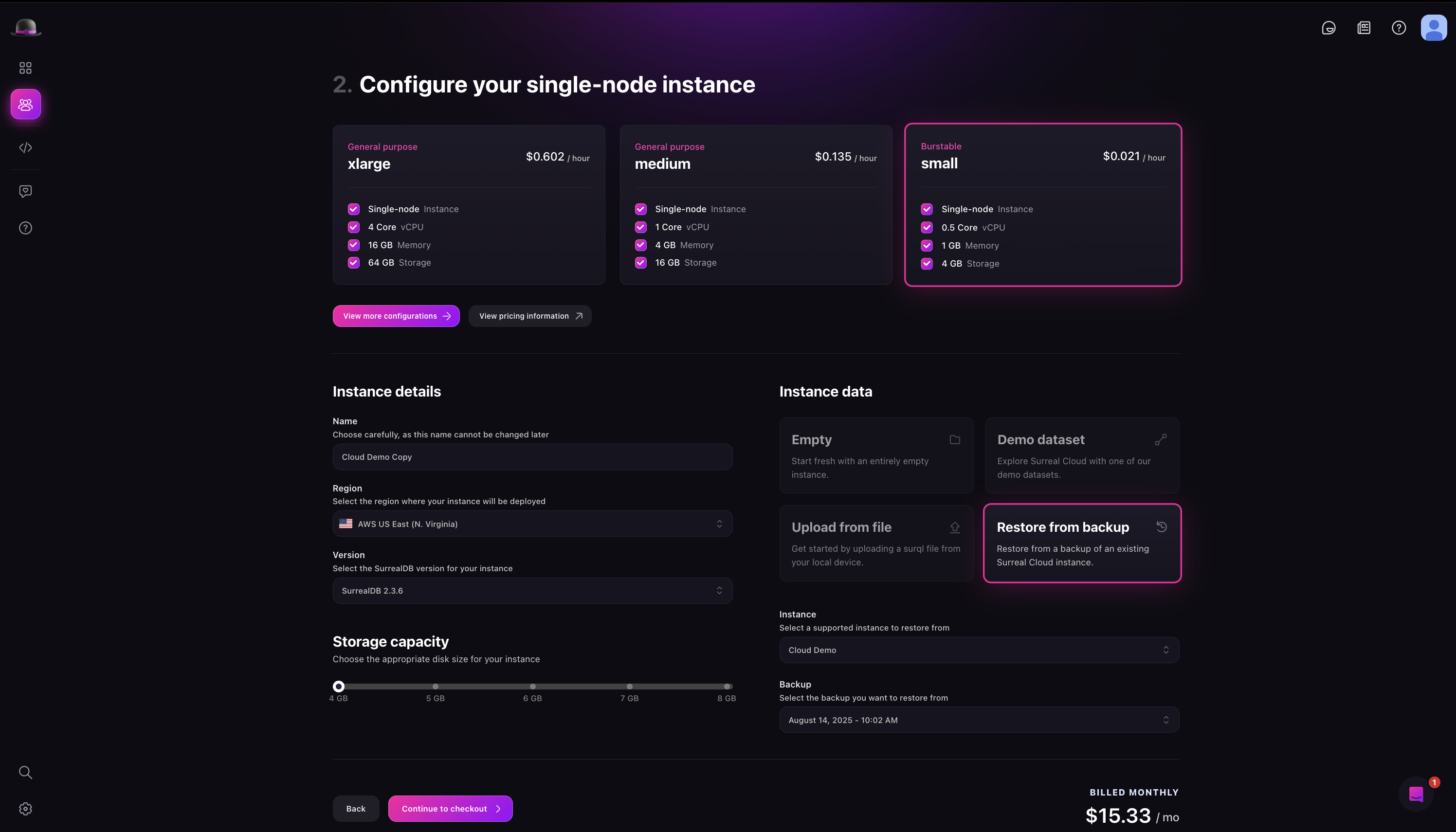
You can also view a list of all available backups from the backup select dropdown in the Instance creation page.
Limitations of the backup and restore feature
The source and restore instance must be in the same region
It is not possible to restore a backup into an existing (or the same) Instance
The storage of the restore Instance must be equal or greater than the source Instance